How to Write a Salon Booking Confirmation Email in 2026
A salon booking confirmation email should remove uncertainty, not create more work. Use this practical guide to write clear confirmations that clients can trust and act on.

Key takeaways
- Confirm the exact service, professional, date, time, location, and booking status in the first few lines.
- Use one clear action for changes, such as rescheduling or canceling within your salon’s notice policy.
- Keep confirmations transactional and separate from promotions so clients can find the information quickly.
- Test every confirmation on mobile and verify that payment, deposit, and cancellation details match the booking.
- Automated confirmations through a booking system are more reliable than manually copying appointment details into email.
What clients actually need from a salon booking confirmation email
When a client searches for a salon booking confirmation email, they usually want one of two things: a message they can send today, or a checklist for making their automated confirmation more useful. The goal is simple. After reading the email, the client should know whether the appointment is truly booked, when and where to arrive, what they selected, what they paid, and what to do if plans change.
A strong confirmation is not a sales newsletter disguised as an appointment notice. It is a short, dependable record of an agreed booking. For a salon owner, that means fewer “What time was my appointment?” messages, fewer misunderstandings about deposits, and a better chance that the client notices the appointment before it becomes a no-show.
Use this salon booking confirmation email template
Use the template below as a starting point. Replace the bracketed fields with information pulled directly from the booking record. If your salon serves multiple professionals or locations, make those details impossible to miss rather than assuming the client remembers them from the booking page.
Subject: Your appointment at [Salon Name] is confirmed for [Day, Date] at [Time]
Hi [Client First Name], Your appointment is confirmed. Service: [Service Name] Professional: [Professional Name] Date: [Day, Month Date] Time: [Start Time–End Time] Location: [Salon Name and Address] Amount paid: [$Amount] Remaining balance: [$Amount, if applicable] Please arrive [X minutes] early so we can start on time. If you need to change your appointment, use the reschedule or cancel option below before [notice deadline]. [Reschedule appointment] [Cancel appointment] Questions? Reply to this email or contact us at [phone/email]. We look forward to seeing you, [Salon Name]
The subject line should say what happened, where it happened, and when. “Your appointment is confirmed” is clearer than “You’re all set!” because it remains understandable in a crowded inbox. Add the date or time when possible, but avoid making the subject so long that the important information disappears on a phone.
What to include in a booking confirmation
The details below are the practical answer to what to include in a booking confirmation. Put the appointment facts before any extra guidance. A client scanning the first screen of the email should not have to read a welcome paragraph, promotion, or social media invitation before finding the booking.
- Booking status: Say “confirmed,” “awaiting payment,” “needs confirmation,” or another status that matches your actual process. Do not call a request confirmed if the salon still has to approve it.
- Client name: Use the first name the client recognizes, while keeping the rest of the message professional and easy to scan.
- Service: Include the exact service name, not only a broad category such as “hair appointment.” If the booking includes add-ons, list them separately.
- Professional: Name the stylist, barber, esthetician, nail technician, massage therapist, or other provider selected.
- Date and time: Include the weekday, full date, time zone when relevant, and expected duration or end time.
- Location: Show the salon name, street address, suite number, parking or entry instructions, and any location-specific arrival information.
- Payment details: State the deposit or amount paid, the remaining balance, accepted payment method if relevant, and whether the deposit is refundable or transferable under your policy.
- Change instructions: Tell the client exactly how to reschedule or cancel, including the deadline and the best contact method.
- Preparation instructions: Include only instructions that affect this appointment, such as arriving with clean hair, avoiding lotion before a spray tan, or bringing a photo for a consultation.
- Contact information: Give one phone number, email address, or reply option that someone at the salon actually monitors.
Do not overload every client with every possible policy. A color appointment may need different preparation notes from a massage, lash fill, tattoo session, or med spa treatment. Use service-specific instructions when the information changes what the client should do before arriving.
Build the email around the client’s next decision
A confirmation email should answer the questions a client is most likely to ask next. If the appointment is fully booked, the next decision is usually whether to keep it or change it. Give the client one obvious path to each action, such as “Reschedule appointment” and “Cancel appointment.” Avoid presenting five competing buttons, a full service menu, and a discount offer in the same message.
- Confirm the status in the opening sentence.
- Show the appointment facts in a compact block that can be scanned in seconds.
- Explain any money already collected and any balance still due.
- Add arrival or preparation instructions that apply to this service.
- Place change options immediately after the appointment details.
- Put contact information and the relevant policy near the bottom.
- Send a test booking and inspect the message on both desktop and mobile.
If your salon allows changes only within a particular notice window, state the actual deadline rather than writing “subject to our policy.” For example: “You can reschedule or cancel without a fee until 10:00 a.m. on Tuesday, September 1.” A concrete deadline reduces back-and-forth and gives the client a fair chance to act.
The email should also match the booking status in your calendar. If a client paid a deposit but the appointment is still awaiting approval, say so. If a payment failed, do not send a message that implies the appointment is fully secured. Inconsistent status language is one of the fastest ways to create disputes at the front desk.
Separate confirmation, reminder, and marketing messages
A confirmation is sent immediately after the booking. A reminder is sent later to bring the appointment back to the client’s attention. A marketing email promotes another service, offer, or event. These messages can support one another, but they should not be treated as the same message.
Keep the confirmation focused on the transaction. If you add “You may also like” services, a membership pitch, or a product promotion above the appointment details, the client may miss the information they need. The Federal Trade Commission explains that an email’s primary purpose matters when deciding whether it is transactional or commercial; mixing promotional material into a confirmation can change how the message is viewed. (ftc.gov)
For a marketing message, use accurate sender information and a truthful subject line, include the required business address and opt-out method, and honor unsubscribe requests. The FTC’s CAN-SPAM guidance applies to commercial email, not only large campaigns, so do not assume that a small client list removes the responsibility. (ftc.gov)
Your reminder can be more action-oriented than the confirmation: “Your appointment is tomorrow at 2:00 p.m. Reply if you need help.” Kevonia includes an automatic email reminder the day before an appointment, and clients can reschedule or cancel from that email within the salon’s notice window. For a deeper look at reminder wording, see this guide to an appointment reminder email for salons.
Do not use a confirmation as a substitute for a reminder. A client may have received the original message weeks earlier and may never search for it again. The confirmation proves what was booked; the reminder helps the client remember to attend.
Prevent common confirmation email mistakes
Most confirmation problems are not caused by bad writing. They happen when the message is disconnected from the booking record, the salon’s policies, or the person managing the appointment. Review the following failure points before turning on automated email.
- Wrong time or date: Check daylight-saving changes, time zones, and whether the email displays the date in a format your clients understand.
- Missing professional: A client may book with a specific stylist or technician and be unhappy if the confirmation only names the service.
- Unclear booking status: “Request received” and “Appointment confirmed” describe different situations. Use the right one.
- Deposit ambiguity: “Payment received” does not tell the client whether the amount is a deposit, full payment, or remaining balance.
- Hidden cancellation policy: Put the deadline near the change instructions instead of burying it in a long policy page.
- Broken change link: Test rescheduling and cancellation links using a real test booking, not only the email preview.
- No location detail: Include the address and suite or room information when clients could reasonably go to the wrong place.
- Too much promotional content: Keep the appointment information at the top and make offers secondary, if they are included at all.
- No reply path: A no-reply address can frustrate clients when they have a legitimate question. Provide a monitored contact method.
- Unprofessional sender name: Use the salon or brand name consistently so the client recognizes the message.
Also avoid promising flexibility your salon cannot provide. If you do not offer same-day changes, do not write “Contact us anytime.” If a deposit is nonrefundable, explain whether it can be transferred to a new appointment. Clear language protects the client relationship and gives staff a consistent answer when a late cancellation occurs.
Make confirmations reliable with a booking system
Manual confirmation emails are workable for occasional appointments, but they become risky as soon as several team members, services, buffers, deposits, and schedule changes are involved. Copying details from a calendar into an email creates opportunities for a typo, a stale time, a missing add-on, or a deposit amount that no longer matches the booking.
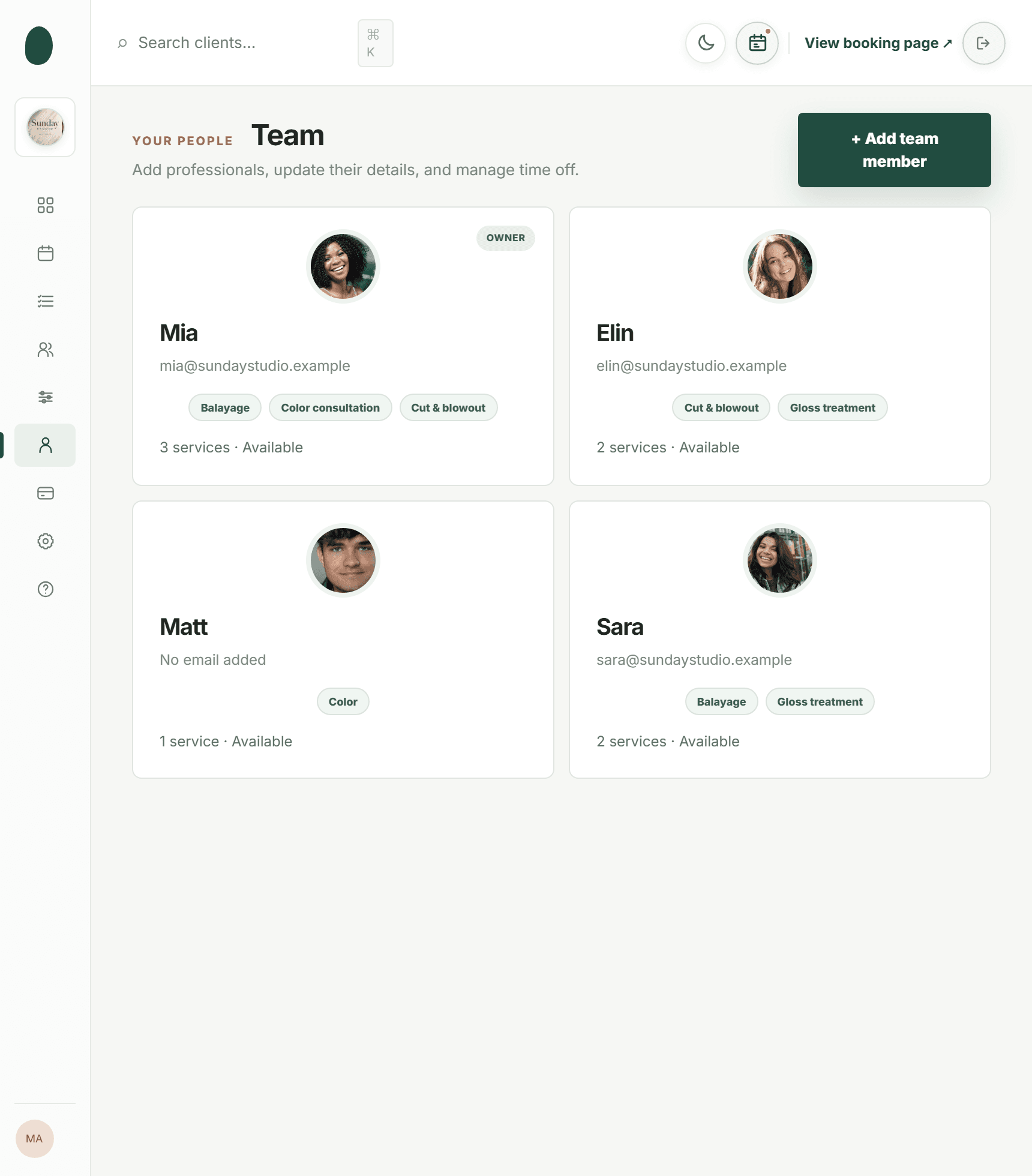
A salon booking system should generate the confirmation from the same record used to manage availability and payments. That keeps the client’s service, professional, duration, price, and status connected. Kevonia is a salon and spa management system with a branded online booking page, team calendar, client records, service menu, availability rules, and Stripe payments. Its online spa scheduling software also supports booking details such as service duration, cleanup or buffer time, optional deposits, and professional assignments.
For a hair salon, the useful test is whether a client can select the right service, professional, date, and time without staff re-entering the booking. Kevonia’s hair salon booking software is built around that booking flow, while its week and day team calendar shows appointments with per-professional filters and color coding.
For a spa or wellness business, confirmations also need to reflect treatment length, breaks between appointments, staff time off, and the salon’s booking rules. Kevonia’s spa booking software lets owners configure opening hours, multiple breaks, time off, closures, booking windows, minimum notice, and time-slot intervals. The system checks availability against those rules and existing bookings before allowing a time to be selected.
The practical difference is not simply that an email is automated. The important question is whether the email reflects the same operational rules your team uses. If the system prevents a double booking and records the client’s deposit, the confirmation is more likely to describe a real appointment rather than an optimistic promise.
Where Kevonia fits for salon and spa owners
Kevonia fits owners who want a branded booking page and a shared workspace without assembling separate tools for the calendar, client information, services, availability, and online payments. Clients can book through a page branded for the salon, available 24/7, and choose a service, professional, date, and time. Staff can then manage the booking from the team calendar and client record.
Its approach is especially relevant when confirmation accuracy depends on the details behind the appointment. A service can have its own duration, cleanup or buffer time, price, optional deposit, and professional assignment. Availability can account for breaks, time off, salon closures, minimum notice, and the booking window. Online card payments and deposits run through Stripe, with payouts going to the salon’s bank account.
For day-to-day follow-up, Kevonia includes a day-before reminder email with client self-service rescheduling or cancellation inside the salon’s notice window. Owners can also see cancellation history, restore a cancellation, and use booking statuses such as needs confirmation, awaiting payment, booked, checked in, completed, no-show, and cancelled. Those distinctions help the confirmation message stay aligned with what the salon actually knows.
Kevonia has one plan at US$49.99 per month, with unlimited team members, bookings, clients, and services and no per-booking commission. The free trial lasts 14 days, requires no credit card to start, and can be canceled before the trial ends without a charge. That may suit an independent professional, a multi-provider salon, a barbershop, tattoo studio, nail salon, day spa, med spa, beauty clinic, or wellness business that needs one booking workflow rather than a collection of manual spreadsheets and inbox rules.
Before choosing any system, create a test booking for a real service and inspect the resulting email. Check the exact subject line, all appointment fields, deposit wording, change links, sender name, mobile layout, and what happens after a cancellation or reschedule. A short test catches more problems than a long list of promised capabilities.
Deliverability and compliance checks for 2026
A beautifully written confirmation is not useful if it repeatedly lands in spam. Google’s current sender guidance recommends authentication such as SPF or DKIM for senders, accurate sender identity, TLS transmission, and message formatting that follows Internet email standards. Even smaller salons should use a reputable email provider and confirm that the sending domain is configured correctly. (support.google.com)
Keep the From name recognizable, such as “Luna Hair Studio” or “Luna Hair Studio Appointments,” rather than using an urgent or promotional phrase. Use a reply-to address that reaches the salon. Send appointment traffic consistently from the same recognizable address, and avoid changing sender names every few weeks.
If a confirmation includes a payment receipt, make the appointment and payment information agree. Stripe documents that payment-related emails can provide customers with receipt or invoice information after payment, but your booking confirmation still needs to explain what the payment means for the appointment. A receipt proves money moved; it does not by itself explain the service, provider, arrival instructions, or cancellation deadline. (docs.stripe.com)
Finally, treat deliverability as an operational issue. Monitor bounced addresses, correct misspelled client emails, and make sure your booking form does not silently accept an invalid address. If clients routinely say they did not receive a confirmation, check the spam folder, sender authentication, the email address collected at checkout, and whether the booking was actually completed.
A five-minute pre-send checklist
Use this checklist before publishing a new template or changing the automated booking flow. Ask a team member who did not write the email to review it; fresh eyes often catch unclear labels and missing context.
- Book a test appointment for each major service type.
- Confirm that the opening line states the correct booking status.
- Verify the client, service, professional, date, time, duration, and location.
- Check the deposit, payment, balance, and refund language against the actual transaction.
- Test reschedule and cancellation links before and after the notice deadline.
- Open the email on a phone and confirm that the action buttons are easy to find.
- Reply to the message and confirm that the response reaches a monitored inbox.
- Send a cancellation or reschedule test and verify that the updated details are clear.
- Remove promotional copy that pushes the appointment details below the first screen.
- Review the final message for accurate sender identity and deliverability settings.
Once the template works, leave the structure stable and change only the information that truly varies by service or location. Consistency makes the email familiar to clients and easier for staff to troubleshoot. Review it whenever you change your deposit policy, address, opening hours, cancellation window, or booking software.
Frequently asked questions
These are the questions salon owners most often need to answer before publishing or automating a confirmation message.
Sources
- Federal Trade Commission — CAN-SPAM Act: A Compliance Guide for Business
- Federal Trade Commission — CAN-SPAM Act
- Google — Email sender guidelines
- Google — Top 10 Gmail sender issues
- Stripe Documentation — After a payment link payment
- Stripe Documentation — Send customer emails
- Kevonia — Salon and spa management software
- Kevonia — Online spa scheduling software
- Kevonia — Hair salon booking software
- Kevonia — Spa booking software
- Kevonia blog — How to write an appointment reminder email for salons in 2026
Frequently asked questions
When should a salon booking confirmation email be sent?+
Send it immediately after the booking is successfully created and, if applicable, after the required deposit or payment is completed. If the booking still needs staff approval, label it as a request or pending confirmation instead of telling the client it is booked. Send a separate reminder later, usually the day before the appointment, so the original confirmation does not have to do both jobs.
Should a salon confirmation email include a cancellation policy?+
Yes, but keep it concise and place it near the reschedule and cancel instructions. State the deadline, any fee or deposit consequence, and the correct way to make a change. If the policy is complicated, link to the full policy while still summarizing the part that applies to this appointment. Never make the client search through a general terms page to find out whether a deposit can be transferred.
Is an appointment confirmation email salon owners send considered marketing?+
A message whose primary purpose is to confirm an appointment is generally different from a promotional campaign, but adding substantial marketing content can complicate that distinction. Keep the appointment information first and avoid making the subject line sound like an offer. For promotional emails, follow applicable commercial-email requirements, including accurate sender information and an opt-out method. When in doubt about legal classification, ask qualified counsel.
What should I do if a client says they never received the confirmation?+
First verify that the booking completed, the email address was entered correctly, and the message was not rejected or sent to spam. Then resend the confirmation or provide the details through a monitored channel. Check whether your sending domain is authenticated and whether the sender name is recognizable. A booking system that stores the appointment and client record in one place makes this investigation faster than searching separate inboxes.
Should I send a confirmation when the client has only paid a deposit?+
Yes. Confirm the appointment and clearly separate the deposit from the remaining balance. For example, write “Deposit paid: $25” and “Balance due at appointment: $75.” Also explain whether the deposit is refundable, transferable, or forfeited after the cancellation deadline. The email should never imply that the full service price has been paid when only a deposit was collected.
Can I use one confirmation template for hair, nails, massage, and spa services?+
Use one consistent structure, but allow service-specific fields or instructions. Every appointment should show the booking status, service, provider, date, time, location, payment information, and change instructions. Preparation guidance should vary when needed. A hair color client, massage client, tattoo client, and lash client may each need different arrival or preparation notes, so a single generic paragraph can be misleading.
More from the blog

How to Write Salon Service Descriptions That Get Booked
A practical guide to writing salon service descriptions that make clients feel confident, choose the right appointment, and book without calling your front desk.

How to Write an Appointment Reminder Email for Salons in 2026
A practical guide to writing salon appointment reminder emails with ready-to-use templates, timing advice, compliance tips, and automation options.

Free Salon Consultation Appointments That Lead to Bookings
A free consultation should clarify the client’s goal, confirm what is safe and realistic, and make the next booking easy. Here is how to structure one without losing valuable appointment time.