Booker Alternative: Compare Cost, Complexity, and Fit
If Booker feels too expensive or too complex, Kevonia offers a simpler flat-cost alternative for salons, spas, and independent beauty teams.

Key takeaways
- Booker is a broad salon and spa platform, but its published starting price is $139 per month and higher tiers require a conversation with sales.
- Kevonia costs $49.99 per month with unlimited team members, bookings, clients, and services, plus 0% booking commission.
- Choose Booker when you need its broader marketing, messaging, membership, or enterprise-oriented capabilities; choose Kevonia when scheduling, client records, payments, and cost control are the priority.
- Before switching, audit your real booking rules, payment workflow, client data, and cancellation process instead of comparing feature checklists alone.
| Tool | Starting price | Commission or booking fees | Standout features | Best fit |
|---|---|---|---|---|
| Booker | Starts at $139/month | Not stated on the public pricing page | Online booking, text notifications and reminders, website, marketing and client-retention options on higher plans | Salons and spas that need a broader platform and are willing to request a detailed quote |
| Kevonia | US$49.99/month | 0% booking commission; no per-seat charge | Branded online booking, detailed availability rules, team calendar, client records, Stripe deposits and payments | One-location salons, spas, and beauty teams that want predictable cost and focused booking operations |
Looking for a Booker alternative? Start with the real decision
If you searched for a booker alternative, you probably do not need another list of appointment apps. You need to know whether Booker is still earning its place in your monthly budget, whether a smaller system can handle your actual scheduling rules, and what you would lose by moving.
For a salon, spa, med spa, barbershop, or independent beauty team that mainly needs online booking, a shared calendar, client records, deposits, and reliable availability controls, Kevonia is the clearest lower-cost option in this comparison. Booker makes more sense when you specifically need a wider operational platform and are prepared to evaluate a more involved subscription and implementation process. Supporting details are available from salon and spa management software.
What Booker offers—and where the decision gets difficult
Booker’s official pricing page lists a starting price of $139 per month for its Starter plan. The page describes online booking, text notifications and reminders, intake tools, and a business website at that level. Its Accelerate and Ultimate options add capabilities such as unlimited active staff profiles, email campaigns, contact lists, rewards, and automated email and text marketing. The higher tiers are presented as “Let’s talk,” so the public page does not give a complete price for every package.
That breadth is useful if your business genuinely needs marketing automation, two-way messaging, membership-related workflows, or a more expansive salon platform. Booker also supports online appointment account management, including client appointment history, online cancellation, and rebooking flows. Those are meaningful advantages for a larger operation with several customer touchpoints.
The problem is that broad capability can become an expensive distraction for a small team. A three-person salon may not need campaigns, rewards, extensive messaging, or a website package bundled into its booking system. It may simply need each professional’s availability to be accurate, clients to book the right service, deposits to reach the business, and staff to see the day without double-booking.
This is also where many Booker competitors give shallow advice: they compare published monthly prices but skip the operational test. Ask whether a replacement handles cleanup time, multiple breaks, time off, salon closures, booking windows, minimum notice, and different schedules by professional. If it cannot, a cheaper subscription can create more front-desk work than it removes.
Where Kevonia fits differently
Kevonia is built for owners who want a focused booking and management workspace rather than a large stack of feature tiers. It costs US$49.99 per month on one plan, with unlimited team members, bookings, clients, and services. There is no per-booking commission and no per-seat charge. The free trial lasts 7 days, requires no credit card to start, and does not charge you if you cancel before the trial ends.
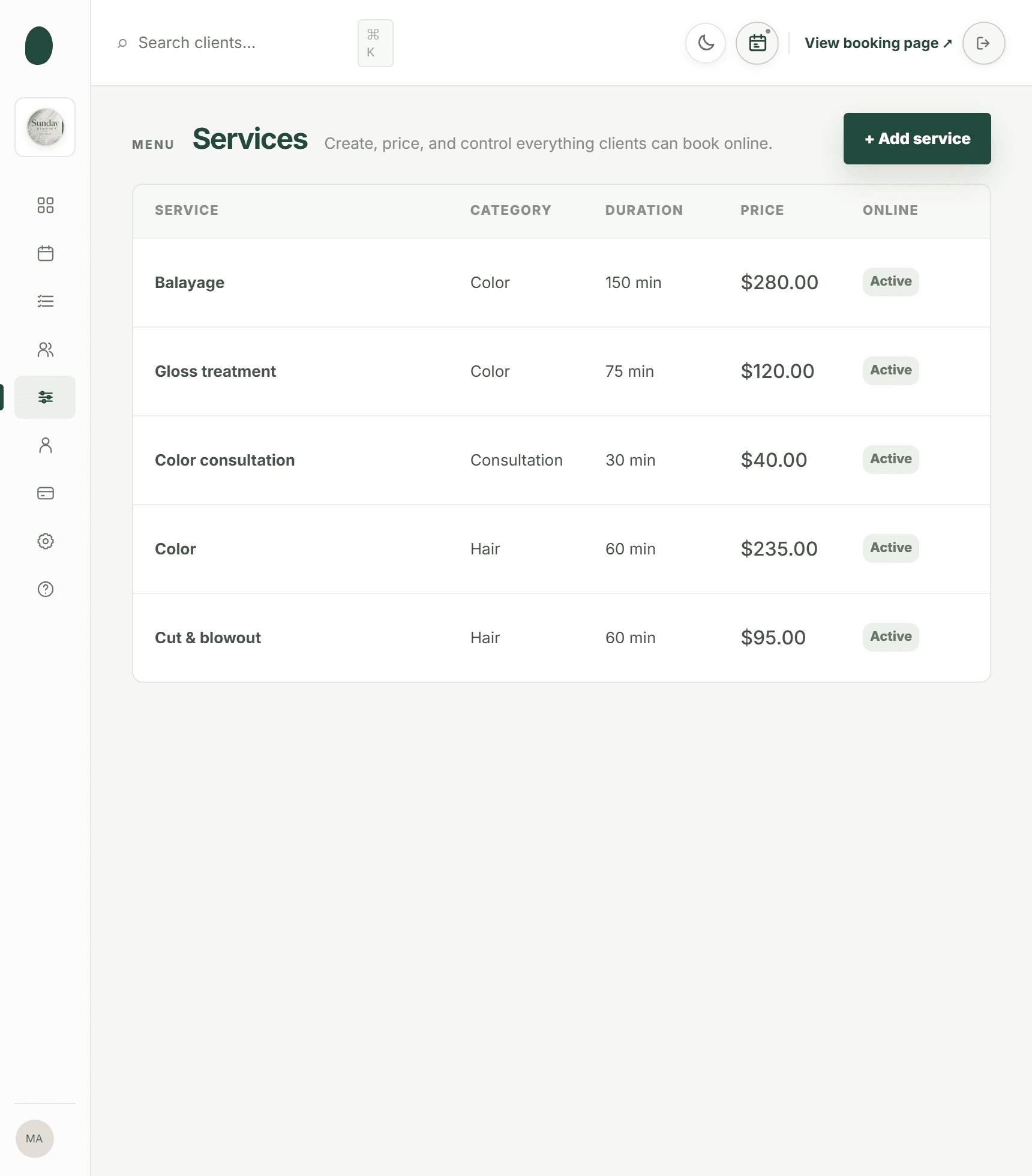
The client-facing side is a branded online booking page at kevonia.com/your-salon. Clients choose a service, professional, date, and time. Behind that page, the team workspace includes a week and day calendar, professional filters, color coding, client records, a service menu, availability rules, and Stripe payments. That gives a small salon the core workflow needed to move from phone-and-text scheduling to online booking without paying for a larger package than it uses.
The important distinction is scheduling accuracy. Kevonia checks for double bookings against working hours, breaks, time off, and existing appointments. You can define service duration, cleanup or buffer time, price, optional deposits, and which professionals can perform each service. Availability rules can include multiple breaks, closures, booking windows, minimum notice, and time-slot intervals. Those details matter more than a long feature list when a missed buffer or incorrect break creates a real appointment conflict.
Kevonia also keeps the payment workflow inside the booking record. Clients can pay by card or submit deposits through Stripe, while payouts go to the salon’s bank account. If you refund an online payment, the booking shows the Stripe processing fee on the refund so the owner can see the actual cost, and the client receives an automatic email. Stripe explains that processing fees from the original transaction are generally not returned, so making that cost visible is useful for reconciliation. For more detail, see Kevonia's hair salon booking software.
Kevonia is not a replacement for every part of Booker. It does not currently offer multi-location management from one account, retail or inventory POS, marketing or SMS campaign tools beyond the booking reminder email, or a native mobile app. If those are requirements rather than nice-to-haves, the lower subscription price should not decide the purchase by itself.
Kevonia vs Booker: the cost comparison that actually matters
Booker’s published starting price is $139 per month. Kevonia’s single plan is US$49.99 per month. That is a difference of $89.01 per month before payment processing and any services you may add around either platform. Booker’s public pricing page does not state a booking commission or a complete fee schedule, so ask for the full quote—including implementation, messaging, payment, migration, and cancellation terms—before treating the starting price as your total cost.
Kevonia’s subscription does not include a per-booking commission, and it does not charge per seat. Stripe payment processing is a separate consideration because card payments have their own processing economics; the relevant cost depends on the payment method and account arrangement. For a salon that takes many deposits, compare the software fee and payment fee separately instead of calling both “commission.”
- Use Booker’s quote when you need its broader messaging, marketing, membership, or multi-workflow capabilities and can justify the added scope.
- Use Kevonia when you want one predictable software charge, unlimited staff and bookings, and no booking commission.
- Do not compare only the monthly subscription: include payment processing, texting, migration labor, website work, and the cost of staff correcting booking errors.
A useful edge case is a growing salon with one location and six professionals. Booker may be the better fit if the owner is actively using campaigns, rewards, two-way texts, or other broader tools. Kevonia may be the better fit if the team has outgrown a shared calendar but does not need retail, inventory, SMS marketing, or multiple locations. The right answer depends on which work the software must perform every week—not which platform has the longest product page. For more detail, see Kevonia's salon reservation software.
Which option fits your business?
Choose Booker if your buying decision is primarily about breadth. It is worth investigating when you need a more expansive salon and spa platform, want built-in text and email communication options, or expect to use marketing and client-retention workflows that go beyond appointment scheduling. Confirm the exact plan, included staff profiles, messaging limits, payment terms, and implementation responsibilities in writing.
Choose Kevonia if your buying decision is primarily about control and simplicity. It fits hair salons, barbershops, tattoo studios, nail salons, day spas, med spas, esthetician and lash studios, beauty clinics, wellness and yoga studios, massage therapists, and similar one-location businesses that need dependable scheduling, client history, deposits, reminders, and clear availability rules.
- Solo or small team: Kevonia is easier to evaluate because the price does not change with staff seats, bookings, clients, or services.
- Busy multi-professional salon: test buffers, breaks, time off, service assignment, and double-booking protection with real schedules before switching.
- Retail-heavy business: neither product decision should ignore your POS and inventory requirements; Kevonia does not currently provide retail or inventory POS.
- Multi-location operator: verify location management before choosing Kevonia, because one Kevonia account does not currently manage multiple locations.
- Marketing-led business: Booker deserves closer consideration if campaigns, rewards, or two-way messaging are central to your retention strategy.
The most overlooked failure case is the salon that changes systems during a busy period without testing its exceptions. A normal haircut appointment is easy. A senior stylist who works different hours on Thursdays, takes a break, performs only selected services, and needs a 15-minute cleanup buffer is the real test. Rebuild three difficult weeks in a demo or trial before you migrate everyone.
How to switch from Booker without creating a booking mess
Do not cancel Booker immediately after seeing a cheaper number. First, make a short inventory of what must survive the move: future appointments, client contact details, private notes, service durations, prices, deposits, cancellation rules, staff schedules, time off, and any outstanding refunds. Separate information you need for daily operations from historical data you only need to retain for reference.
- Export or document your current client and appointment data, and ask Booker what format and timing apply to any data request.
- Rebuild services first, including duration, cleanup time, price, deposit rules, and professional assignments.
- Enter opening hours, breaks, time off, closures, minimum notice, booking windows, and slot intervals before publishing the new booking page.
- Test difficult cases: overlapping services, a cancelled appointment, a refund, a no-show, a blocked client, and a client rescheduling from a reminder email.
- Run Booker and the replacement in parallel for a short, defined period, then send one clear booking link to clients.
Kevonia includes booking statuses such as needs confirmation, awaiting payment, booked, checked in, completed, no-show, and cancelled. It also keeps cancellation history with restore, lets an owner block a client from booking online with a reason, and supports automatic email reminders the day before an appointment. Clients can reschedule or cancel from that email within the salon’s notice window. Those are the small operational details to verify during your test—not just whether the calendar looks attractive.
Sources
- Booker Business Pricing
- Booker Responsive Booking Sites: Appointment and Account Management
- Booker Appointment Booking Overview and FAQs
- Stripe: Understanding Fees for Refunded Payments
- Stripe Pricing and Fees
- Kevonia
- Kevonia Spa Booking Software
- Kevonia Salon Booking Program
- Kevonia Beauty Salon Booking Software
- Kevonia Hair Salon Booking Software
- Kevonia Salon Reservation Software
- Kevonia Demo
Frequently asked questions
What is the best Booker alternative for a small salon?+
For a small or one-location salon that needs online booking, staff scheduling, client records, deposits, reminders, and payment collection, Kevonia is the most direct fit in this comparison. It costs US$49.99 per month, includes unlimited team members, bookings, clients, and services, and does not charge a booking commission. Booker may still be the better choice if you need its broader messaging, marketing, rewards, or other higher-tier workflows.
Is Kevonia cheaper than Booker?+
Yes, based on the published starting prices. Booker’s pricing page starts at $139 per month, while Kevonia has one plan at US$49.99 per month. Booker’s higher tiers are presented as quote-based, and its public pricing page does not provide a complete fee schedule, so request a full quote before comparing total annual cost.
Is Kevonia a mindbody booker alternative?+
Kevonia can be a practical mindbody booker alternative for a single-location salon or spa that wants focused appointment management without a larger platform. It is not intended to replace every enterprise or multi-location workflow, and it does not currently include retail or inventory POS, SMS campaign tools, a native mobile app, or multi-location management from one account.
Does Kevonia charge per booking or per team member?+
No. Kevonia’s brand facts specify 0% booking commission, unlimited team members, unlimited bookings, unlimited clients, and unlimited services on its single US$49.99-per-month plan. Stripe payment processing remains a separate payment cost when you accept cards or deposits.
What should I test before replacing Booker?+
Test the exceptions that cause real scheduling problems: professional-specific hours, multiple breaks, time off, salon closures, service buffers, minimum notice, booking windows, deposits, refunds, rescheduling, cancellations, no-shows, and blocked clients. Also verify how future appointments and client records will be transferred or retained. A normal appointment is not a sufficient migration test.
Are Booker competitors always cheaper?+
No. Some alternatives publish lower entry prices, but the cheapest subscription can become expensive if it lacks the availability rules, payment workflow, client history, or staff controls your team needs. Compare the complete operating cost: subscription, payment processing, messaging, migration, required add-ons, and staff time spent correcting booking errors.
More from the blog

Boulevard Alternative: Compare Cost, Complexity, and Fit
Boulevard is powerful, but its pricing and broader feature set may be more than a small salon needs. Compare it with Kevonia by cost, workflow, and operational fit.

Setmore Alternative: Compare Costs, Limits, and Salon Fit
Setmore is a capable low-cost scheduler, but salon owners often need more control over team calendars, deposits, client records, and predictable monthly costs. Here is how Kevonia compares.

DaySmart Salon Alternative: Compare Cost, Control, and Fit
DaySmart Salon is capable, but its tiered pricing and broad feature set are not right for every salon. Compare the practical trade-offs before switching.